
A bottom emoji picker.
You need:
I spend a lot of time in creating views, like this and to create a high quality view cost a lot of time. If you want to support me and further views, then you can do it here by Paypal or with a coffee.
Emoji Datasource from:
AS_BottomEmojiPicker
Author: Alexander Stolte
Version: 1.00

You need:
I spend a lot of time in creating views, like this and to create a high quality view cost a lot of time. If you want to support me and further views, then you can do it here by Paypal or with a coffee.
Emoji Datasource from:
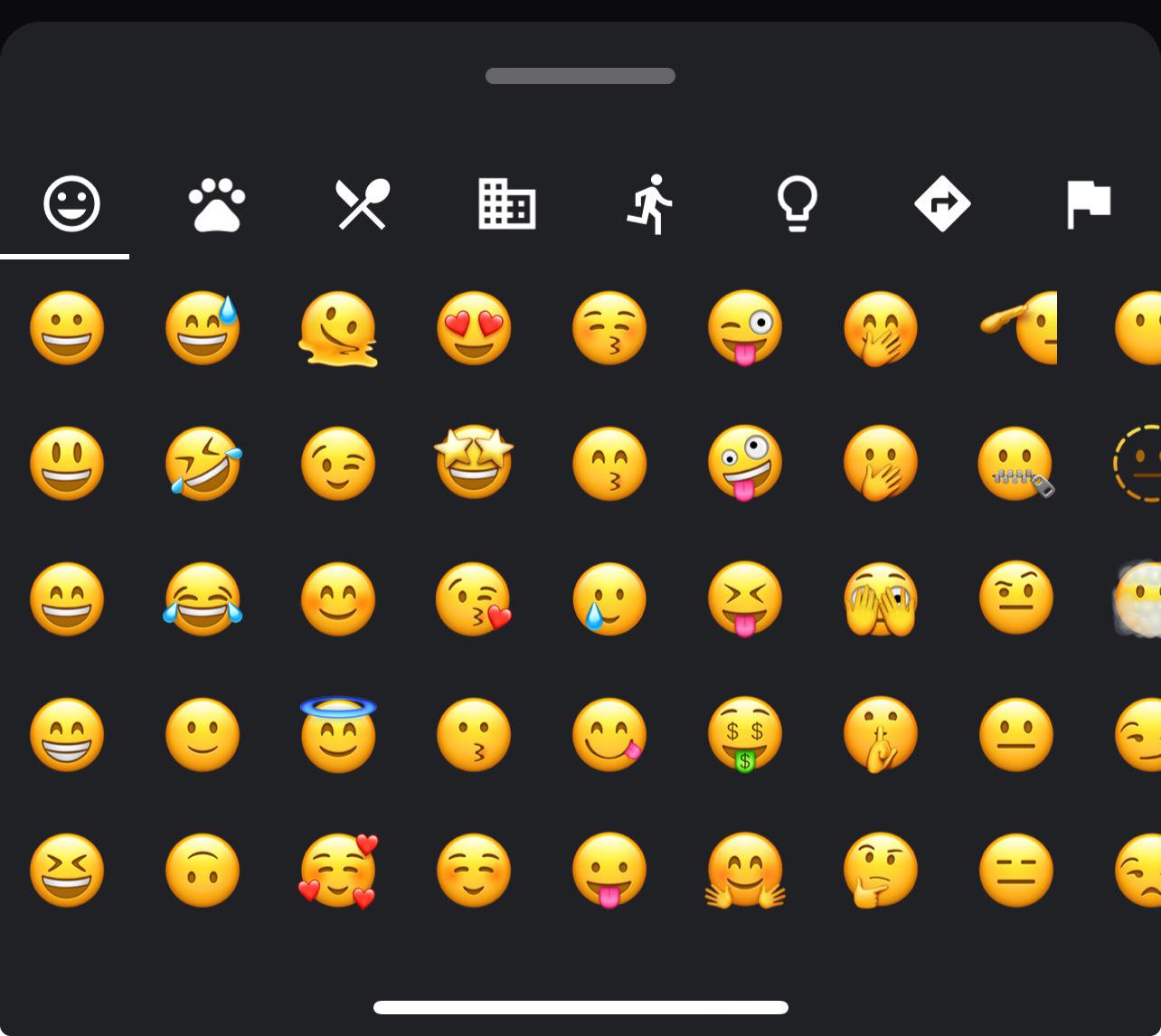
Dark Example:
    BottomEmojiPicker.Initialize(Me,"BottomEmojiPicker",Root)

    BottomEmojiPicker.BackgroundColor = xui.Color_ARGB(255,32, 33, 37)
    BottomEmojiPicker.CategoryTextColor = xui.Color_White
    BottomEmojiPicker.CategoryIndicatorColor = xui.Color_White

    BottomEmojiPicker.ShowPicker
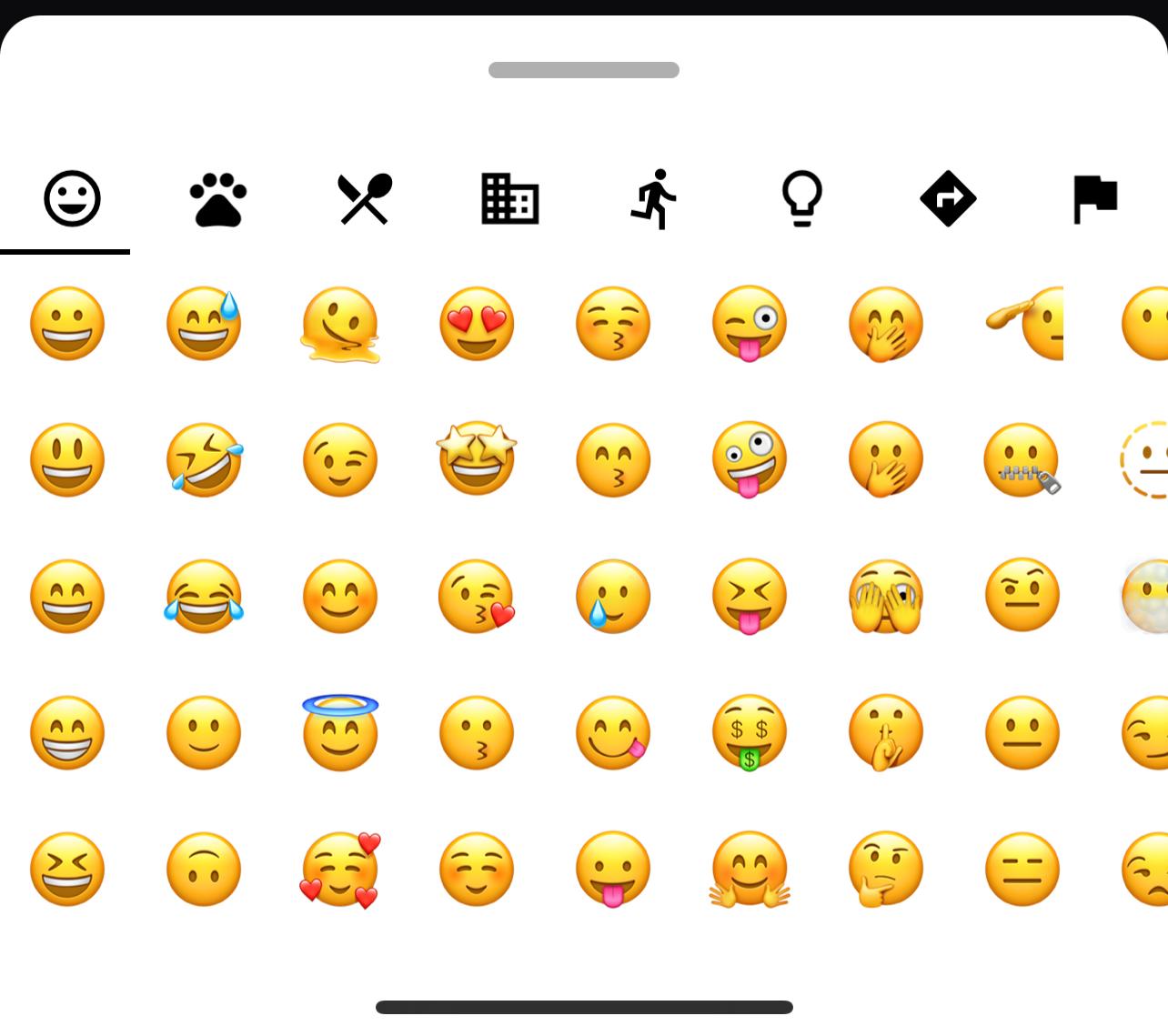
Light Example:
    BottomEmojiPicker.Initialize(Me,"BottomEmojiPicker",Root)

    BottomEmojiPicker.BackgroundColor = xui.Color_White
    BottomEmojiPicker.CategoryTextColor = xui.Color_Black
    BottomEmojiPicker.CategoryIndicatorColor = xui.Color_Black

    BottomEmojiPicker.ShowPicker
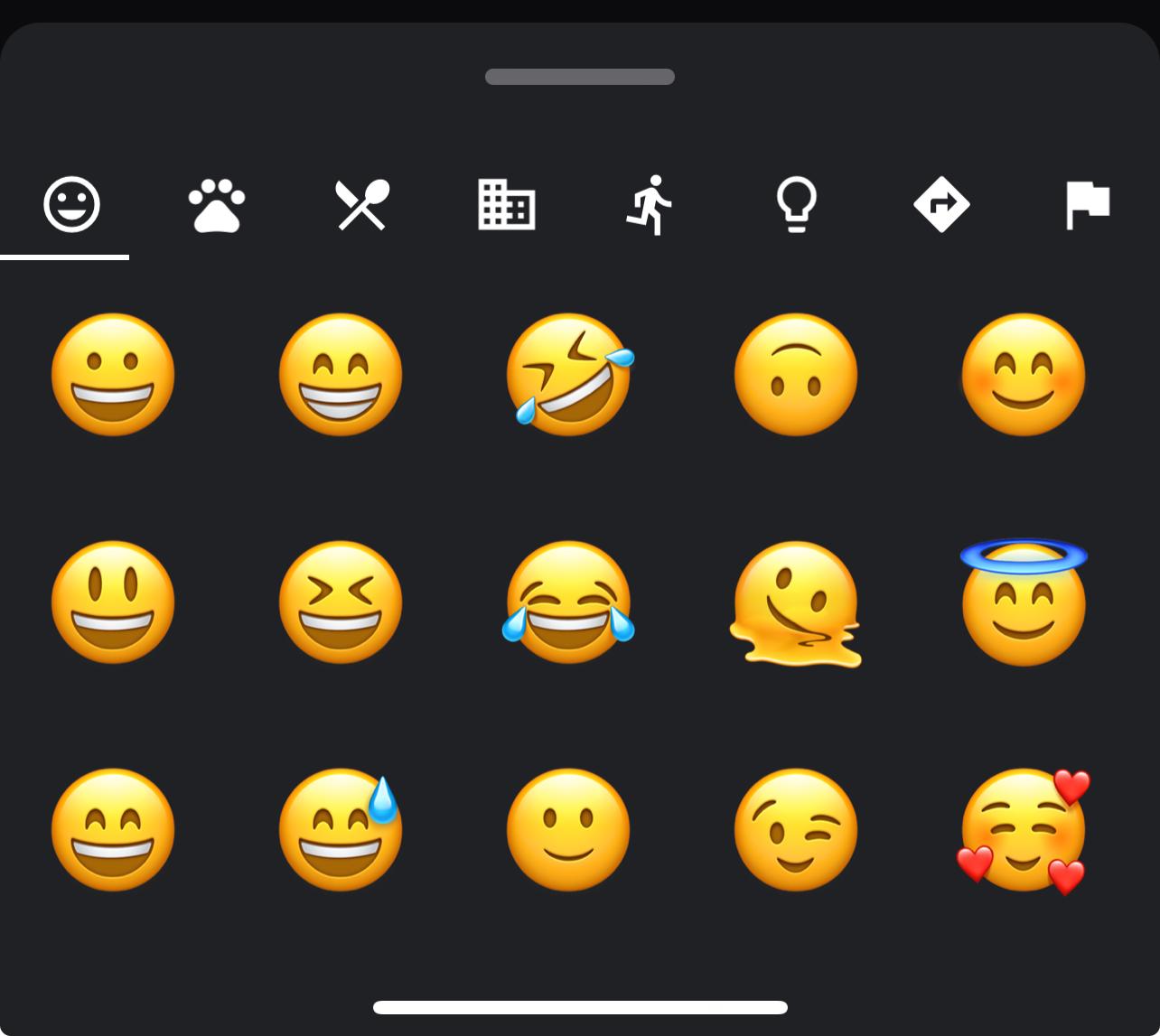
Custom Example:
    BottomEmojiPicker.Initialize(Me,"BottomEmojiPicker",Root)

    BottomEmojiPicker.BackgroundColor = xui.Color_ARGB(255,32, 33, 37)
    BottomEmojiPicker.CategoryTextColor = xui.Color_White
    BottomEmojiPicker.CategoryIndicatorColor = xui.Color_White
    BottomEmojiPicker.EmojiSize = 50
    BottomEmojiPicker.BodyHeight = 300dip
    BottomEmojiPicker.Rows = 3

    BottomEmojiPicker.ShowPicker
AS_BottomEmojiPicker
Author: Alexander Stolte
Version: 1.00
- AS_BottomEmojiPicker
- Events:
- EmojiSelected (Emoji As String)
- Fields:
- Tag As Object
- Functions:
- Class_Globals As String
- getBackgroundColor As Int
- getBodyHeight As Float
Default: 300dip - getCategoryIndicatorColor As Int
- getCategoryTextColor As Int
- getEmojiSize As Int
- getRows As Int
Number of emojis per row vertical
Default: 5 - Initialize (Callback As Object, EventName As String, Parent As B4XView) As String
Initializes the object. You can add parameters to this method if needed. - IsInitialized As Boolean
Tests whether the object has been initialized. - setBackgroundColor (Color As Int) As String
- setBodyHeight (Height As Float) As String
- setCategoryIndicatorColor (Color As Int) As String
- setCategoryTextColor (Color As Int) As String
- setEmojiSize (Size As Int) As String
Default: 30 - setRows (Rows As Int) As String
- ShowPicker
- Properties:
- BackgroundColor As Int
- BodyHeight As Float
Default: 300dip - CategoryIndicatorColor As Int
- CategoryTextColor As Int
- EmojiSize As Int
Default: 30 - Rows As Int
Number of emojis per row vertical
Default: 5
- Events:
- B4XMainPage
- Functions:
- Class_Globals As String
- Initialize As String
- IsInitialized As Boolean
Tests whether the object has been initialized.
- Functions:
- 1.00
- Release
- 1.01
- Add HidePicker
- 1.02
- New Event: EmojiSelected (Emoji As String)
- New Event: Opened
- New Event: Closed
- New Event: Open
- New Event: Close
- New Event: VisibleBodyHeightChanged (height as double)
Attachments
Last edited:


