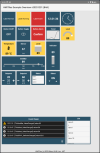
HMITiles - an Open-Source HMI Tile Library for Industrial Dashboards and SCADA Applications
Overview
HMITiles is an open-source HMI (Human Machine Interface) tile library written in B4X, designed for building clean, consistent, and professional industrial user interfaces.
It provides reusable HMI components for:
- Industrial dashboards
- SCADA (Supervisory Control and Data Acquisition) front-ends
- Machine and process HMIs
The focus of this library is clarity, consistency, and disciplined HMI design-not visual effects or UI decoration.
Use in industrial or safety-critical environments is entirely at your own risk.
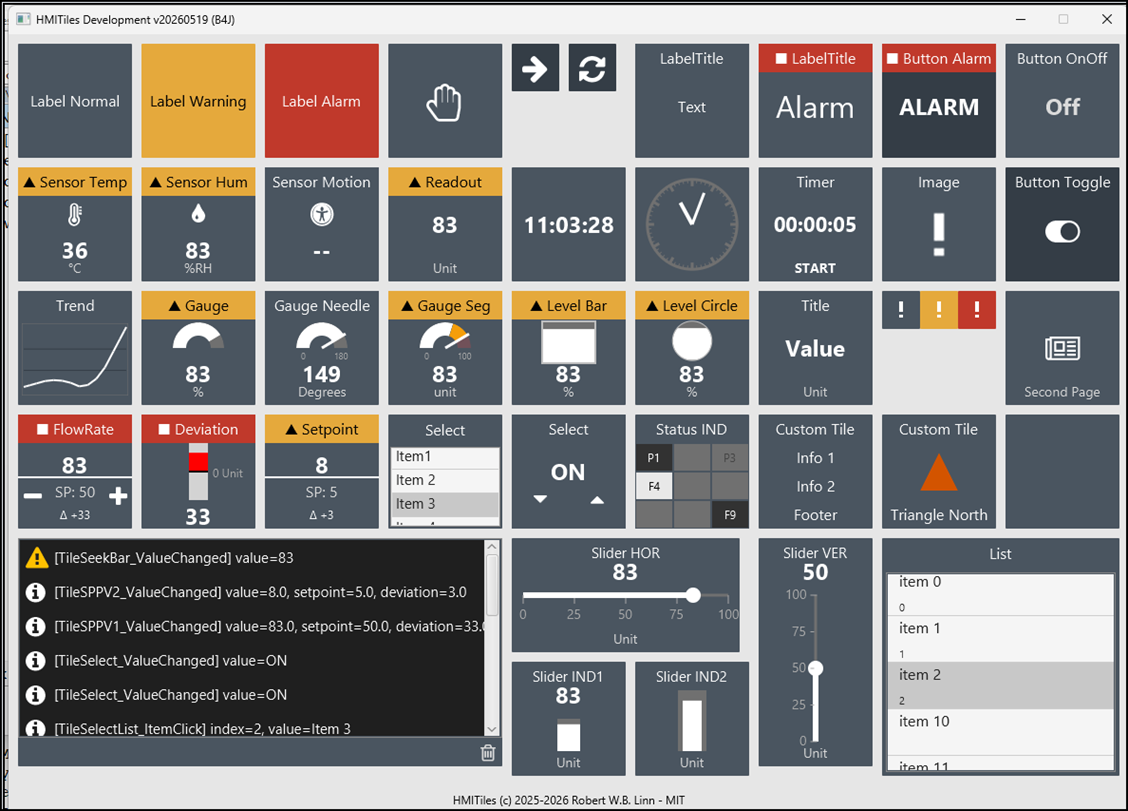
Core Tile Categories
Source Code
This project is maintained in the GitHub repository HMITiles.
Note: As of 2026-04-17, source code updates are published on GitHub only and are no longer posted on this forum.
License
HMITiles - MIT License © 2025-2026 Robert W. B. Linn
For full legal terms, see the LICENSE file (MIT).
Overview
HMITiles is an open-source HMI (Human Machine Interface) tile library written in B4X, designed for building clean, consistent, and professional industrial user interfaces.
It provides reusable HMI components for:
- Industrial dashboards
- SCADA (Supervisory Control and Data Acquisition) front-ends
- Machine and process HMIs
The focus of this library is clarity, consistency, and disciplined HMI design-not visual effects or UI decoration.
Use in industrial or safety-critical environments is entirely at your own risk.
Core Tile Categories
- Buttons (including ON/OFF logic)
- Numeric and text readouts
- Sensor tiles
- Clocks and time displays
- Event and message viewers
- Sliders and setpoints
- Image tiles
- RGB indicators
- Layout and helper components
Source Code
This project is maintained in the GitHub repository HMITiles.
Note: As of 2026-04-17, source code updates are published on GitHub only and are no longer posted on this forum.
License
HMITiles - MIT License © 2025-2026 Robert W. B. Linn
For full legal terms, see the LICENSE file (MIT).
Last edited: