
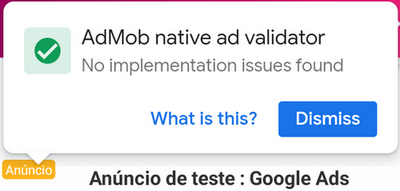
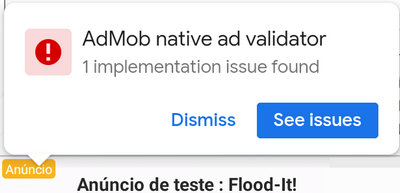
In the last update of Admob, if you use the native ad, it shows a popup with tips about the ad.

 developers.google.com
If your implementation has no issues, you can disable the validator warning putting this line in the manifest:
Validate your native ads | Android | Google for Developers
Validate your native ad integration to ensure policy compliance and proper rendering using Google Mobile Ads SDK for Android.
developers.google.com
If your implementation has no issues, you can disable the validator warning putting this line in the manifest:
B4X:
AddApplicationText(
<meta-data android:name="com.google.android.gms.ads.flag.NATIVE_AD_DEBUGGER_ENABLED" android:value="false" />
)
Last edited:


