
Recently I have been looking at #Macros, and then a few days ago there was a post about error reports.
It occurred to me that a faster way to find the source of errors is possible.
Introducing "errorAnalyzer"...
1. Add errorAnalyzer.jar to your Additional folder
2. Add this macro to your project (Main or B4XMainPage). This will add a button to the top of the IDE.
#Macro: Title, Error Analyzer, ide://run?File=%ADDITIONAL%\errorAnalyzer.jar&Args=%PROJECT%
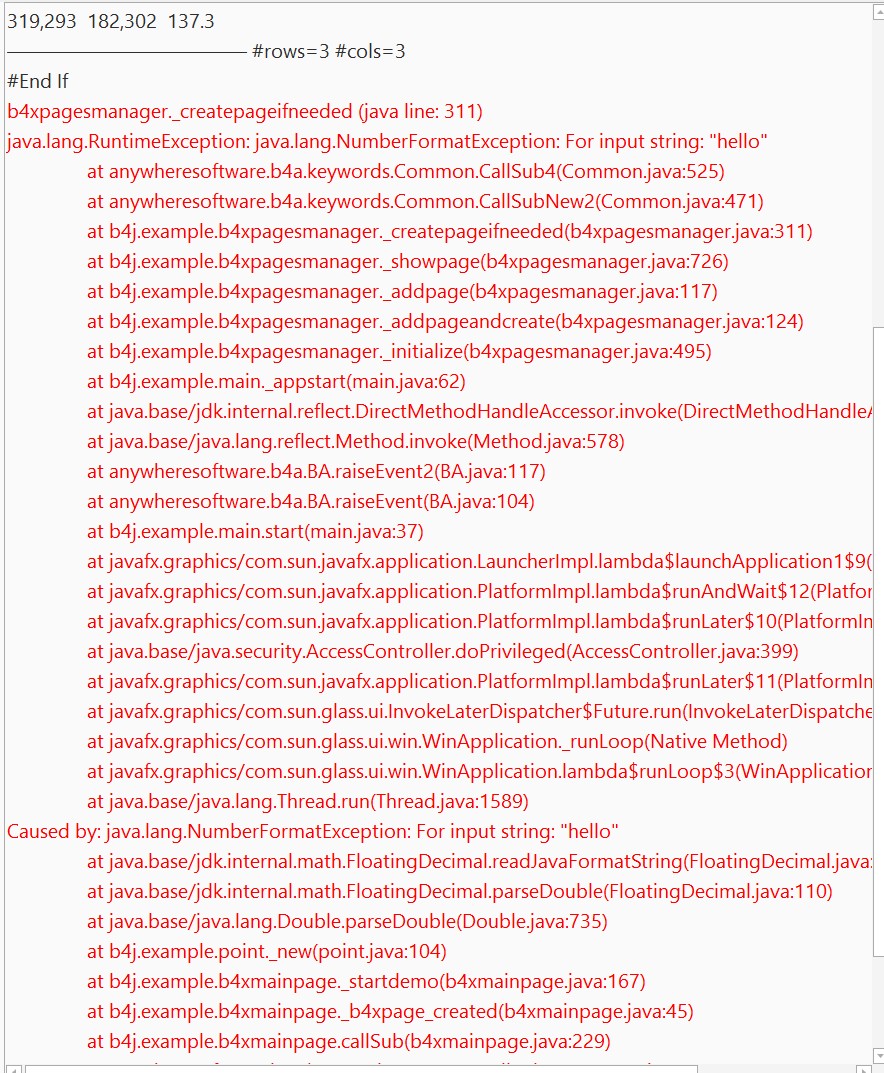
3. When an error occurs and you want to see the calling history of the error:
Just copy all from the log, errorAnalyzer will find the error at the end of the Log.
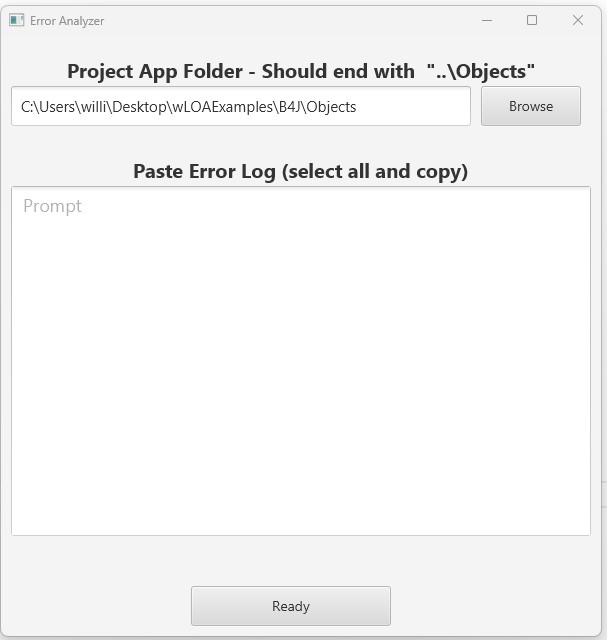
4. Invoke errorAnalyzer by clicking on the button at top of IDE (or type its shortcut).
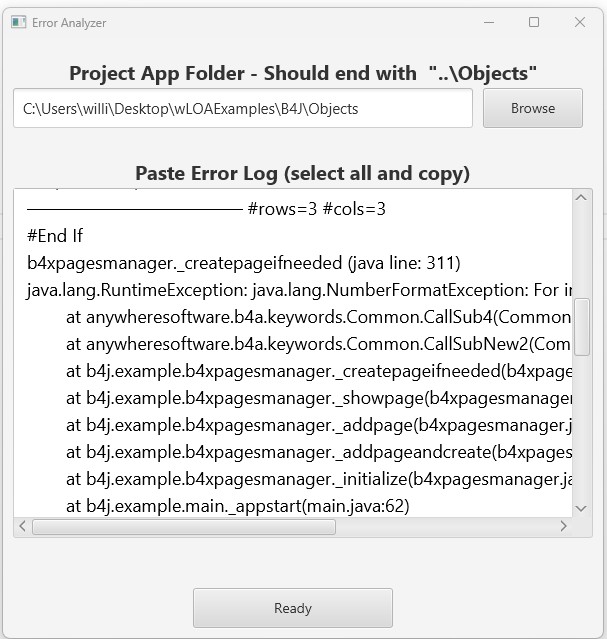
5. Paste the contents of the clipboard to the designated area. Press Ready.
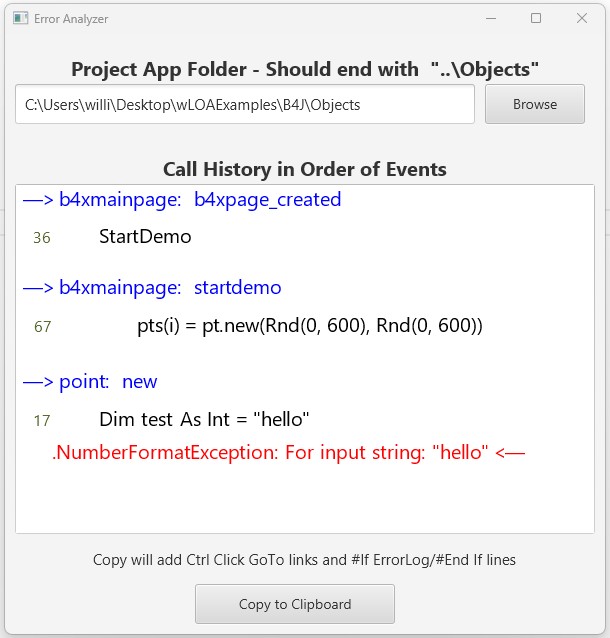
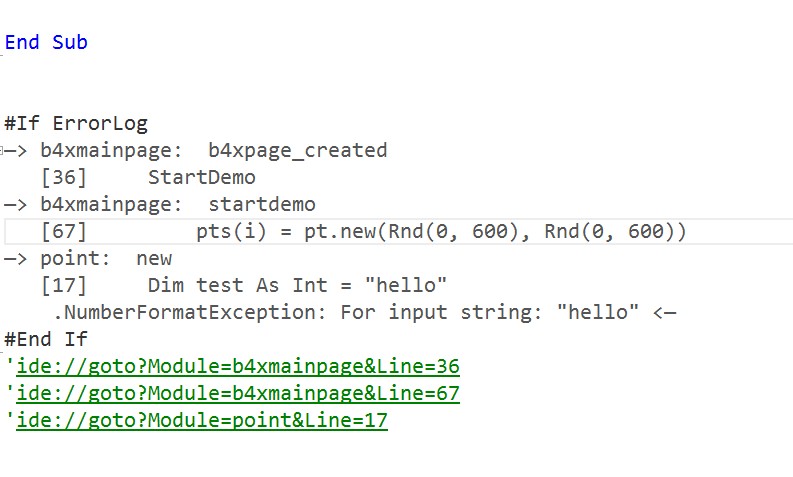
6. You'll see the details of the calling history
7. Press X to exit, or Copy to Clipboard. Paste the results at the END OF ANY MODULE (so line numbers aren't changed).
8. Use the included IDE Ctrl Click GoTo links to quickly go to source of error.
The .jar is too large to upload. So here is a Drop Box link
https://www.dropbox.com/scl/fi/fkos...ey=osr7vjj0shc3710qjdbm01ogg&st=tgyfzpsd&dl=0
The jar file is inside the zipped folder EAnalyzer.zip
It occurred to me that a faster way to find the source of errors is possible.
Introducing "errorAnalyzer"...
1. Add errorAnalyzer.jar to your Additional folder
2. Add this macro to your project (Main or B4XMainPage). This will add a button to the top of the IDE.
#Macro: Title, Error Analyzer, ide://run?File=%ADDITIONAL%\errorAnalyzer.jar&Args=%PROJECT%
3. When an error occurs and you want to see the calling history of the error:
Just copy all from the log, errorAnalyzer will find the error at the end of the Log.
4. Invoke errorAnalyzer by clicking on the button at top of IDE (or type its shortcut).
5. Paste the contents of the clipboard to the designated area. Press Ready.
6. You'll see the details of the calling history
7. Press X to exit, or Copy to Clipboard. Paste the results at the END OF ANY MODULE (so line numbers aren't changed).
8. Use the included IDE Ctrl Click GoTo links to quickly go to source of error.
The .jar is too large to upload. So here is a Drop Box link
https://www.dropbox.com/scl/fi/fkos...ey=osr7vjj0shc3710qjdbm01ogg&st=tgyfzpsd&dl=0
The jar file is inside the zipped folder EAnalyzer.zip


